

Custom Mode Companion
You spent hours setting up your camera just the way you want it, all the buttons, the Super Control Panel items, the deeper menu settings and saving them to Custom Modes. Then you’re out, and you get a blank memory, you forgot. You dig through the SCP and the Buttons Menu to remind yourself. We have all done it, go on admit it, I have.
So I developed Custom Mode Companion, a small Web App to use on your mobile. In it you can save all your settings, give each CM a name that makes sense to you, write notes for deeper Menu settings, and then save them to recall later.
Notice how the screen is designed to show all the information on one screen? That has taken hours of planning and testing, all for one reason, so you can take a simple Screen-Shot.
Screen-Shot each Tab, save it on your phone, and no logging in to see your CM. It’s already in your picture library. Set up a Favourites folder and you know exactly where they are.
And it is FREE! If you bought one of my Camera Guides, or will buy one, it is free to use.
Please note you will need your account details. If you have forgotten them please visit ‘Account’ first.
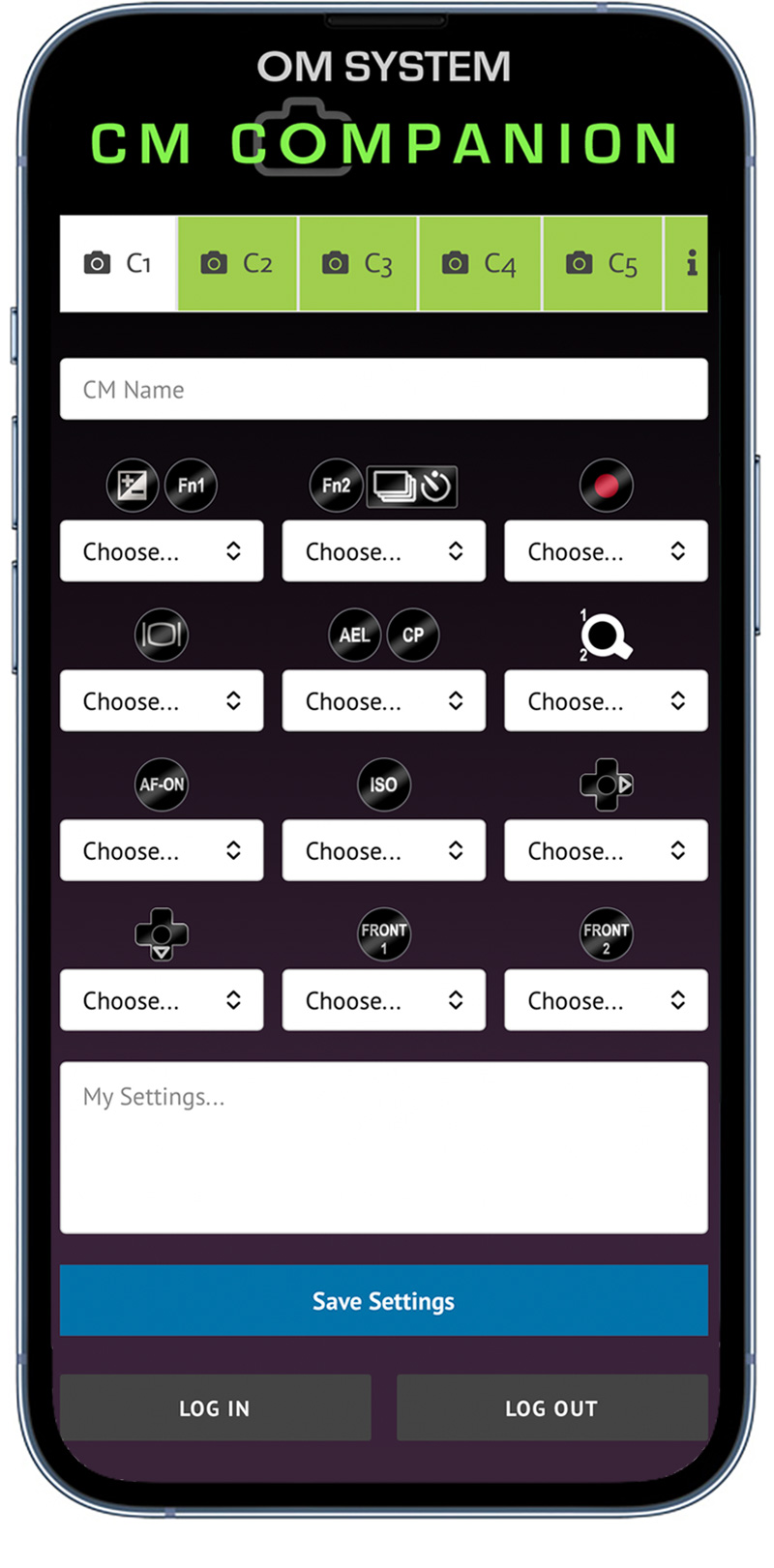
So I developed Custom Mode Companion, a small Web App to use on your mobile. In it you can save all your settings, give each CM a name that makes sense to you, write notes for deeper Menu settings, and then save them to recall later.
Notice how the screen is designed to show all the information on one screen? That has taken hours of planning and testing, all for one reason, so you can take a simple Screen-Shot.
Screen-Shot each Tab, save it on your phone, and no logging in to see your CM. It’s already in your picture library. Set up a Favourites folder and you know exactly where they are.
And it is FREE! If you bought one of my Camera Guides, or will buy one, it is free to use.
Please note you will need your account details. If you have forgotten them please visit ‘Account’ first.
You spent hours setting up your camera just the way you want it, all the buttons, the Super Control Panel items, the deeper menu settings and saving them to Custom Modes. Then you’re out, and you get a blank memory, you forgot. You dig through the SCP and the Buttons Menu to remind yourself. We have all done it, go on admit it, I have.
FREE
Really? Absolutely. No strings, no catches, no subscriptions. It is available to anyone who has bought one of my Guides, or will buy one, and is to show how grateful I am to you. All you need to get started is your customer account details to log in. You will not be asked for any kind of payment whatsoever.
Compatible Cameras
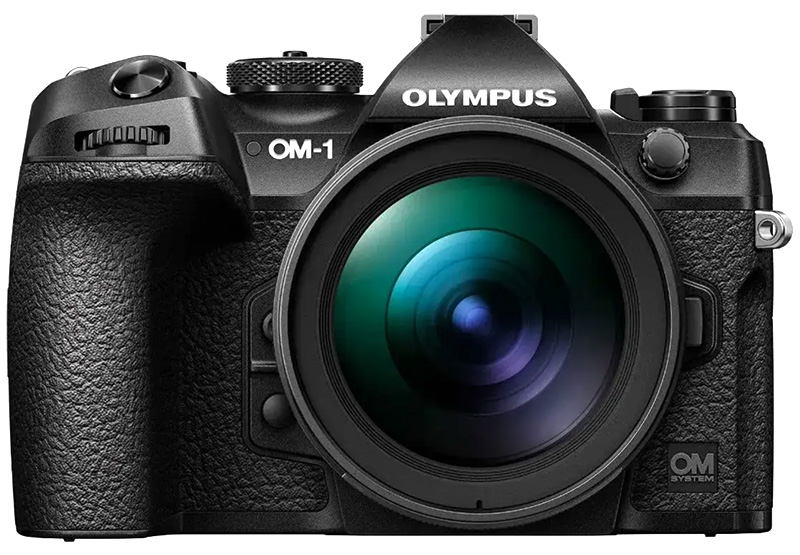
The interface has been designed to be compatible with all cameras from the Olympus EM5-III upwards.
Older bodies are excluded for now until I produce another version.
What can I do with the App?
Custom Mode Companion has been produced to give you a quick and easy way to record your Custom Modes as a quick visual reminder. It is useful when you have used all of your CMs and then forget what they actually are.
Please note, it does not upload or download settings from your camera, it is simply a visual reminder to keep on your mobile phone.
It is easy to use too. Each of the Button fields have been carefully considers so that they are suitable for the cameras listed above. For instance where most bodies have a button with the Exposure Comp icon, the EM1-MKII shows an Fn2 icon instead. Select the button for your camera, then from the drop-down list select the item you have applied to the button. The fields are pre-populated with all the available options in the camera.
Give your Custom Mode a name, and add any special notes in My Settings. You’ll see examples in the Help section. Then complete each CM Tab and save each one and screen-shot them so you have them on your mobile readily accessible. Note there are 5 Tabs because the Om-3 has 5, use however many you need, and use one for your standard PASM settings if you wish.
Olympus OM System Guides
Just released, Night Photography with Olympus and OM System cameras. Discover all you need to know to capture the night sky.
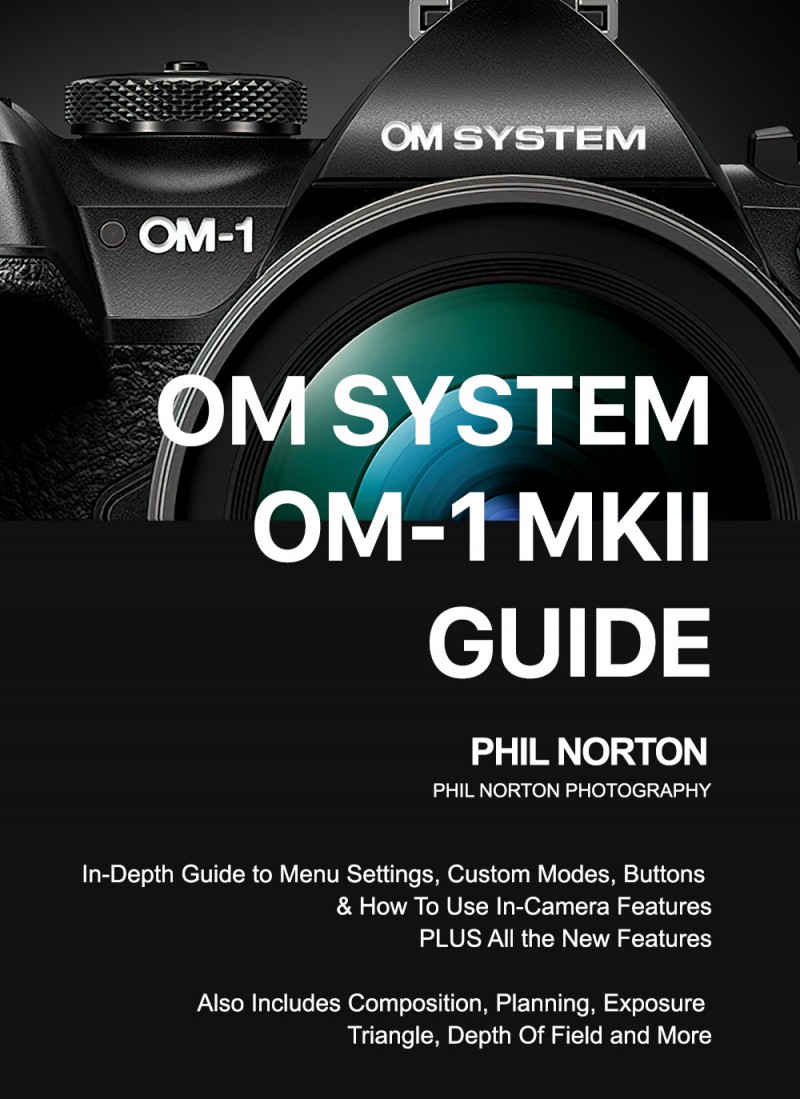
OM1 / OM1-II

OM-3
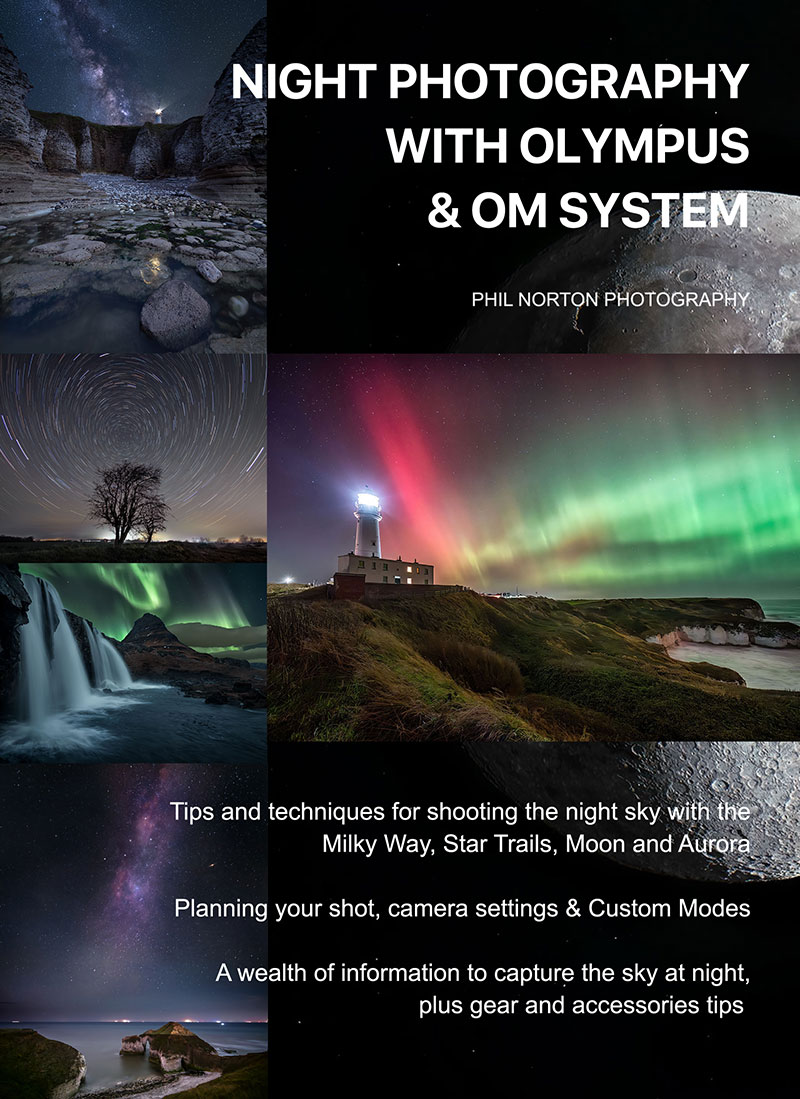
NIGHT PHOTOGRAPHY

OM5-II
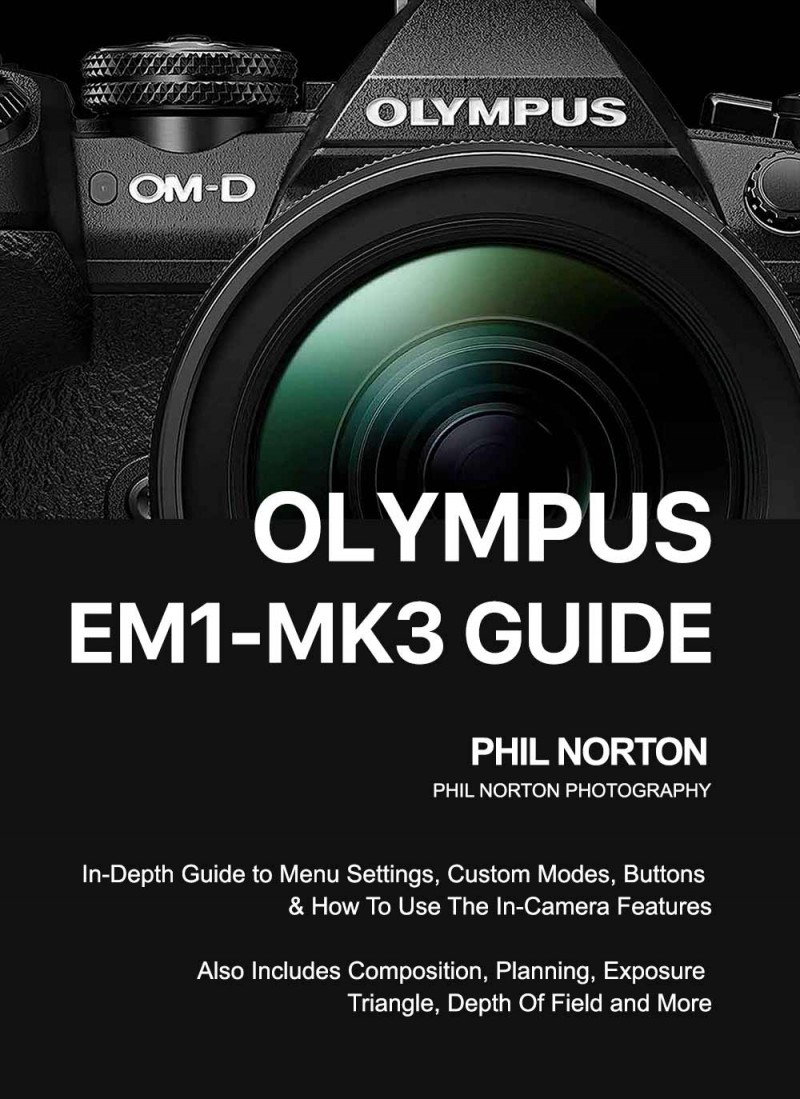
EM1-III
Newsletter Subscription
For news, articles and offers please subscribe below