
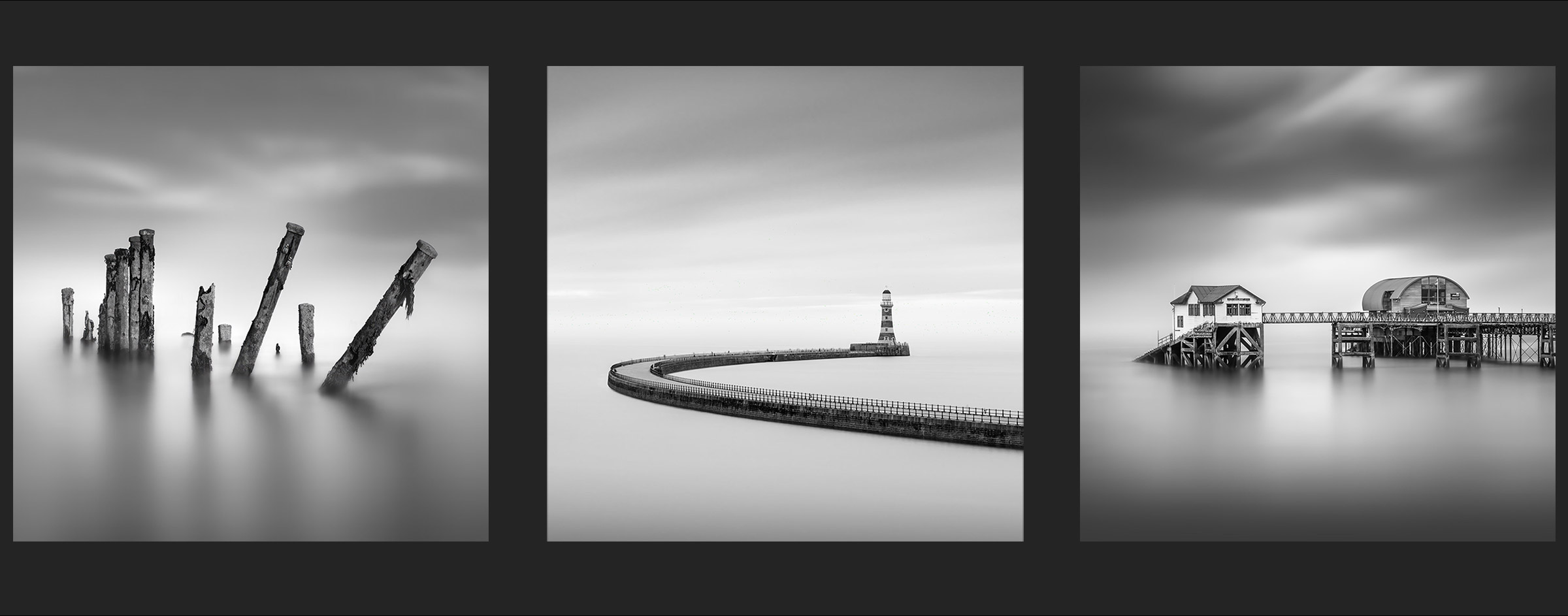
GEAR TIPS
Equipment you will need plus a few tips.

PHOTOSHOP 2024
We will be using Photoshop 2024 for this Tutorial. If you are a subscriber to Adobe CC you will have the latest versions of Photoshop and Lightroom. Photoshop is an Image Editor, where Lightroom is an Image Processor and they are very different, despite having many tools the same or similar. What we need in PS are Layers, the ability to stack different items on top of each other and use transparencies and masks. LR doesn’t have Layers nor the ability to create very accurate selections and masks.
Other image editors like Affinity are available and you absolutely can use this. The processes and tools will be a little different but Affinity was created as a competitor to PS and is very similar. Older versions of PS are also fine although some features will be missing such as the new AI fill and remove tools.
OTHER SOFTWARE
I have included two other Apps in the workflow, Luminar AI and Instamask. Do note they are optional and I explain the benefits of using each during the workflow. Both can be used as Plugins to use within Photoshop.
Luminar AI (https://skylum.com/luminar-ai) useful for swapping skies and lots of other useful features and a small cost of £35 right now. Luminar Neo has been released and like most things has moved to a subscription model. Being very honest when Luminar AI is no longer compatible with future PS releases I would not bother with Neo at £5 per month or £199 lifetime. The link provided may cease to work, if so please search for Luminar AI.
Instamask (https://www.shutterevolve.com/introducing-instamask-powerful-luminosity-mask-panel) is a powerful app for creating selections and masks. Selections are areas of an image that are made ‘active’ for editing or applying masks to. They can be manipulated without affecting other parts of the image, brightening, darkening etc. It is based on luminosity and hence the term Luminosity Masks. Using apps for creating masks based on luminosity is far easier that PS built in tools, and it is a modest cost of around £35.
Lumenzia (https://gregbenzphotography.com/lumenzia) is another luminosity mask creation app. Check them both out to see which you prefer.
CAMERA AND TRIPOD
Obvious right? I was going to completely skip this because it is so obvious. Nonetheless, a few tips just in case you are a complete beginner.
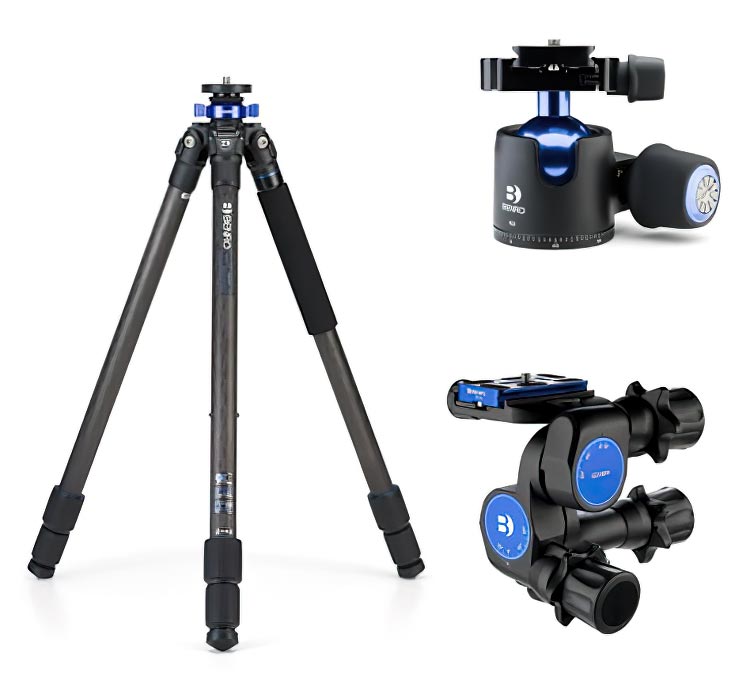
A good solid tripod is a must for long exposures especially if standing in moving surf. Expect to be very frustrated with flimsy travel tripods that will transmit every vibration to the camera. The head is personal choice, ball heads, geared heads, but again it needs to be solid.
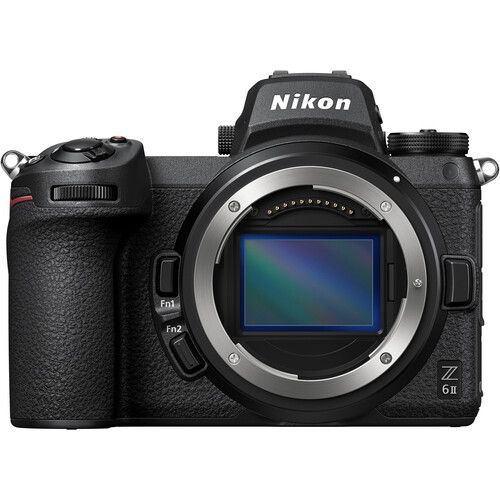
The camera really doesn’t matter, any camera be it a DSLR or Mirroless. All it needs is a Bulb Mode which just about all SLR cameras have. Bulb is needed to do long exposures. Some cameras have a max shutter of 30 seconds, some nowadays extend it to far more, 30 minutes for example. You need to be able to extend the max shutter way past 30 seconds, either with extended shutters if available or Bulb Mode. Olympus users have the luxury of Live Time. The lens is personal choice depending on your composition.
SHUTTER RELEASES
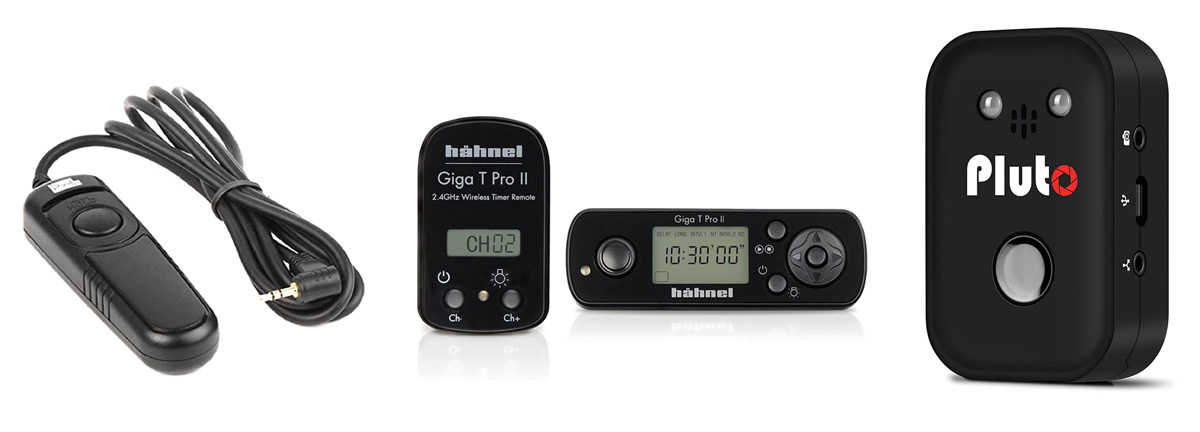
Essential for removing the possibility of introducing camera shake when pressing the shutter button, it is not worth the risk. Other options are using Self Timer, setting a Shutter Delay, or using Phone Apps released by manufacturers. Phone Apps are my least favourite because they drain phone batteries.
There are a plethora of options for releases; cheap third party cable releases around £10 (why pay for branded expensive releases), reasonably priced wireless units like the Hannel Giga T Pro, around £40 or more expensive units like the Pluto, around £100, which has many more features such as triggering shots for lightening strikes. The choices are up to you.
ND FILTERS
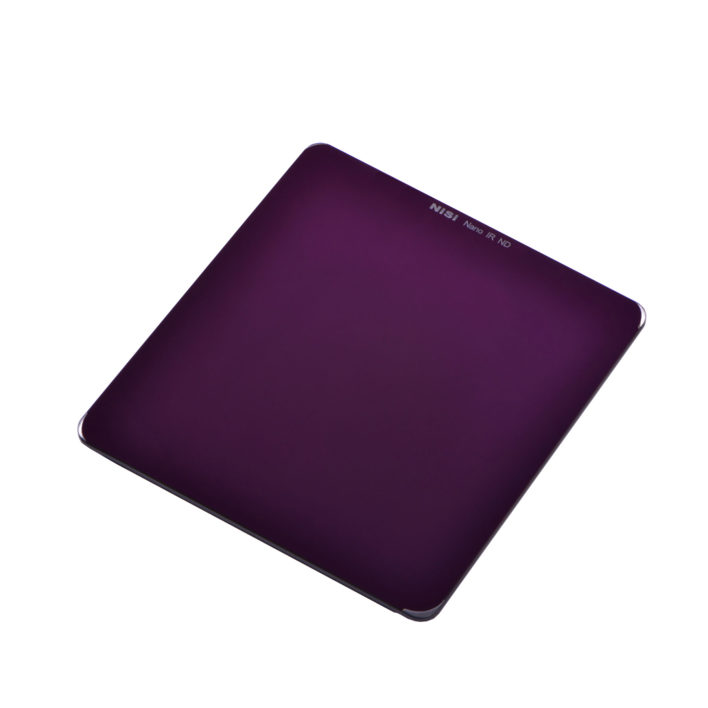
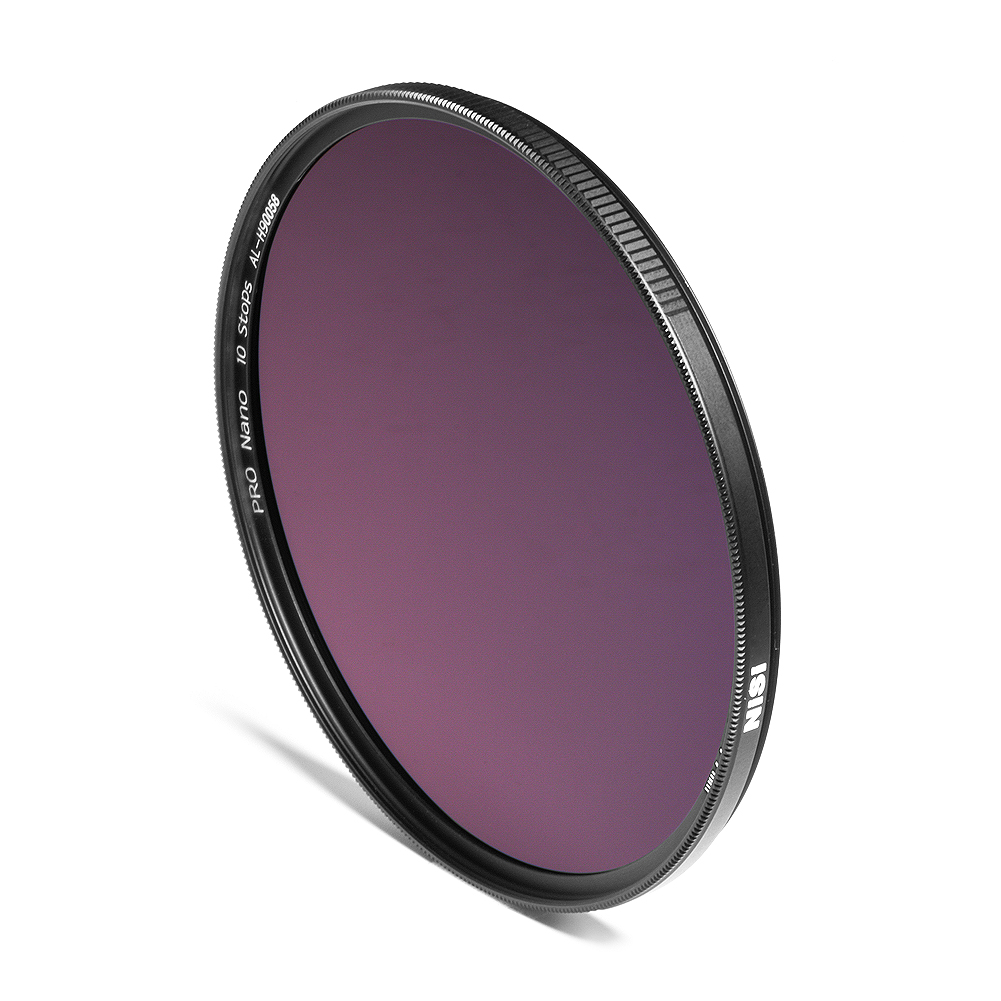
You will need ND Filters for extending the shutter speed, available as either square with a filter holder, or circular screw in. Do not bother with variable ND’s, they are a waste of money. Variables that stay under 6 stops are ok but over this they are prone to cross polarisation, a dark cross type effect on the image, especially with wide angle lenses.
Densities vary from 2 stops all the way to 20 stops. The most common are 6 and 10 stops, as we are trying to create long exposure times of over a minute, maybe 1, 2, 3, 4 minutes I would start with a 10 stop. It will depend on the conditions and ambient light obviously and when in one scene you might achieve what you want with just a minute, another may need 3 or 4. In brighter light expect to use a denser filter such as 15 stops.
Using a Graduated ND Filter to control the sky is personal choice. Often the first part of an image to blow out with long exposures is the sky so I usually use a grad too. That means using a square system and additional cost however it is perfectly acceptable to use a circular ND and take a couple of shots for the foreground and sky and blend together.
COMPLETED
Next we will explore a few tips for shooting the image and composition.
Go to net section.