
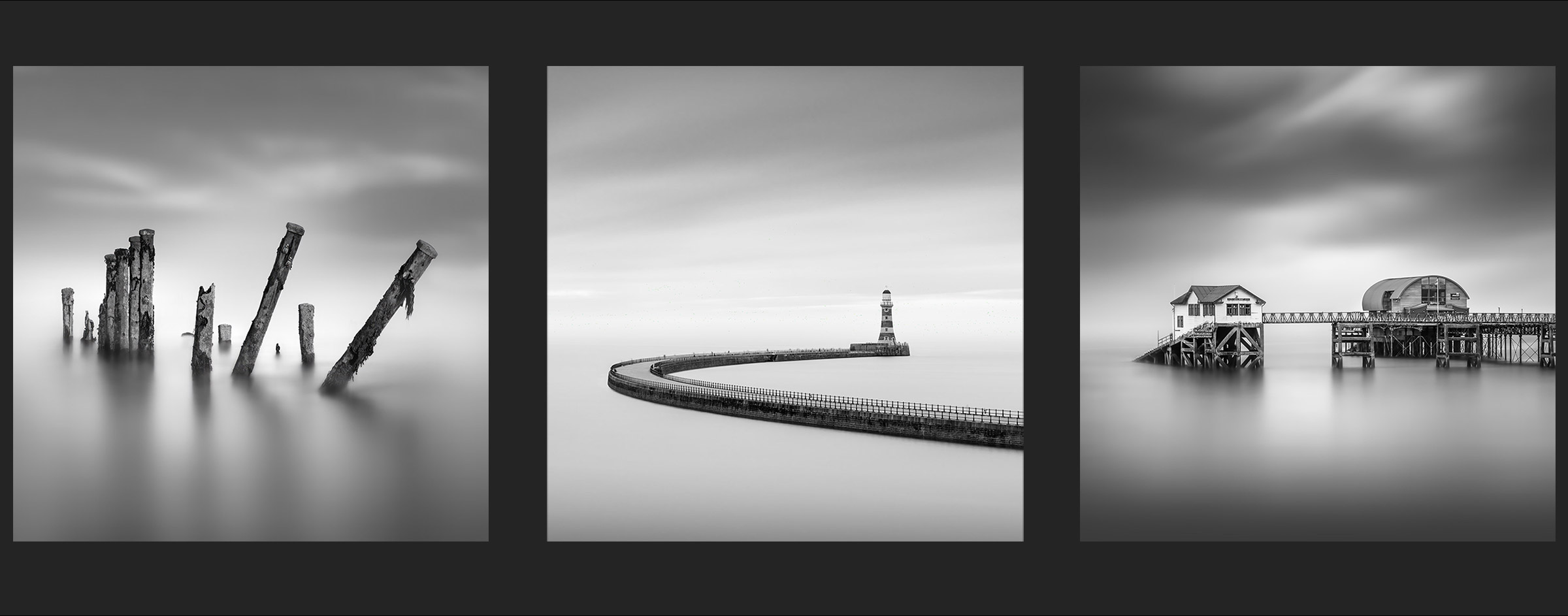
INTRODUCTION
Introduction to the Minimal Black and White Photography Guide
Thank you for your interest I do appreciate it. I decided some time ago to reconnect with producing Fine Art Square Images, a genre I used to do some 30 years ago. I found it refreshing and of course with advances in digital processing there are so many more possibilities. I then decided I should write a guide and share my knowledge, and here we are.
TO ACCESS THE PDF EBOOK PLEASE CLICK HERE
The PDF will open and you can then save it to your PC or your Mobile device. Bookmark the online version and save the PDF to your favourite viewer on your mobile such as Apple Books.
WHAT DOES ‘FINE ART’ MEAN?
It is a very subjective term, overused by many who have given little thought to what it actually means. To me, no matter how I try to define it I find conflict and contradiction. Over the years I have found myself settling on a simple definition which suits me, as a photographer:
“An image created by a photographer with a vision in mind, removed and abstracted from reality, to create an emotional response”.
I avoid using terms such as ‘telling a story’ and ‘conveying a message’. Pomposity creeps in here, many times in my landscape photography there is no story as such, or a message, it was just a beautiful scene I wanted to capture. The story and the message was the same, ‘it was a nice sunset’ or ‘it was a dark moody day’. There may be a story and the viewer may wander off imagining what was happening at that moment, but it certainly is not every time. More appropriate I think is that every image needs to create, capture, convey a mood and an emotional response.
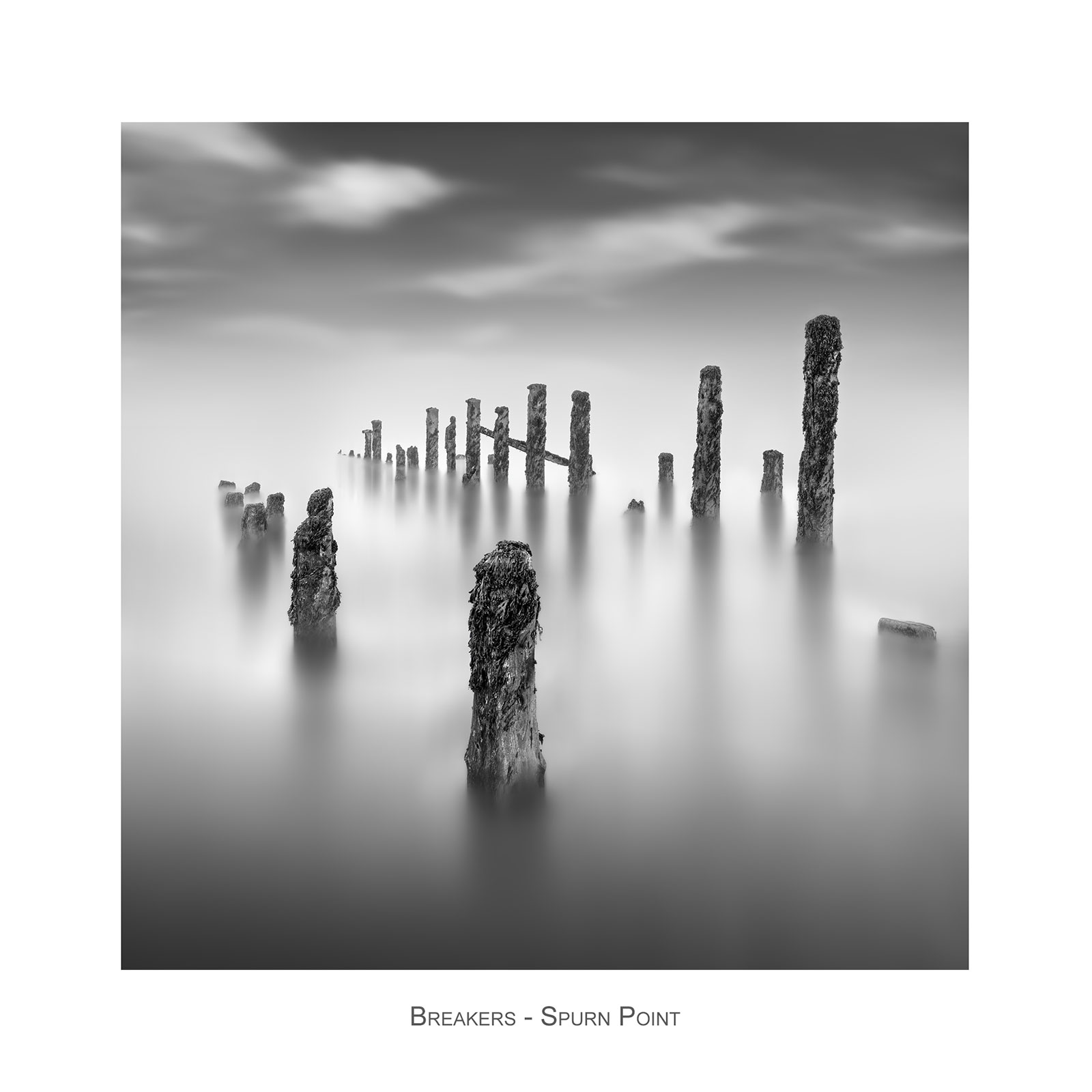
Fine Art images such as those presented here were created with a vision, a final concept in mind, and they are removed from reality; we never see the ocean as flat as this, we do not see blurred clouds rushing across a sky and we certainly do not see in black and white, or at least most of us anyway. There has to be a subject which is presented in a different way to how it was actually seen, therefore creating an image, not just capturing an image. Despite all the long articles I have read discussing the subject I have settled on the definition above.
And yet there is contradiction. We all practice long exposure photography, a beautiful sunset with smooth water and streaky clouds. It is removed from reality, it is presented in a different way, is it a Fine Art image? To me no, it is not enough and there has to be more. Does simply converting to black and white or cropping square make it Fine Art? There is something intangible about the term, and I will leave it to you to consider.
The editing may require plenty of manipulation. Hopefully you have an image in camera that does not. Adding blur, motion blur, removing objects, and certainly swapping skies goes against the ethos of ‘capturing in camera’ and is something I do not do with my landscape work. The images here though are different and my attitude is do whatever is needed and enjoy it.
MY APPROACH TO THE GUIDE
Hopefully you will start your editing with a good image, taken with your final result in mind, with a good long exposure and space around it to crop square. The editing would be quite straightforward, and producing a guide would be fairly simple, perhaps just converting to black and white and removing the horizon, if that is what is desired. But that would fall very short and I think would be a disservice to you. Therefore I decided to base the guide on a very challenging image to start with. Of course you do not have to crop to square, use any aspect ratio you wish.
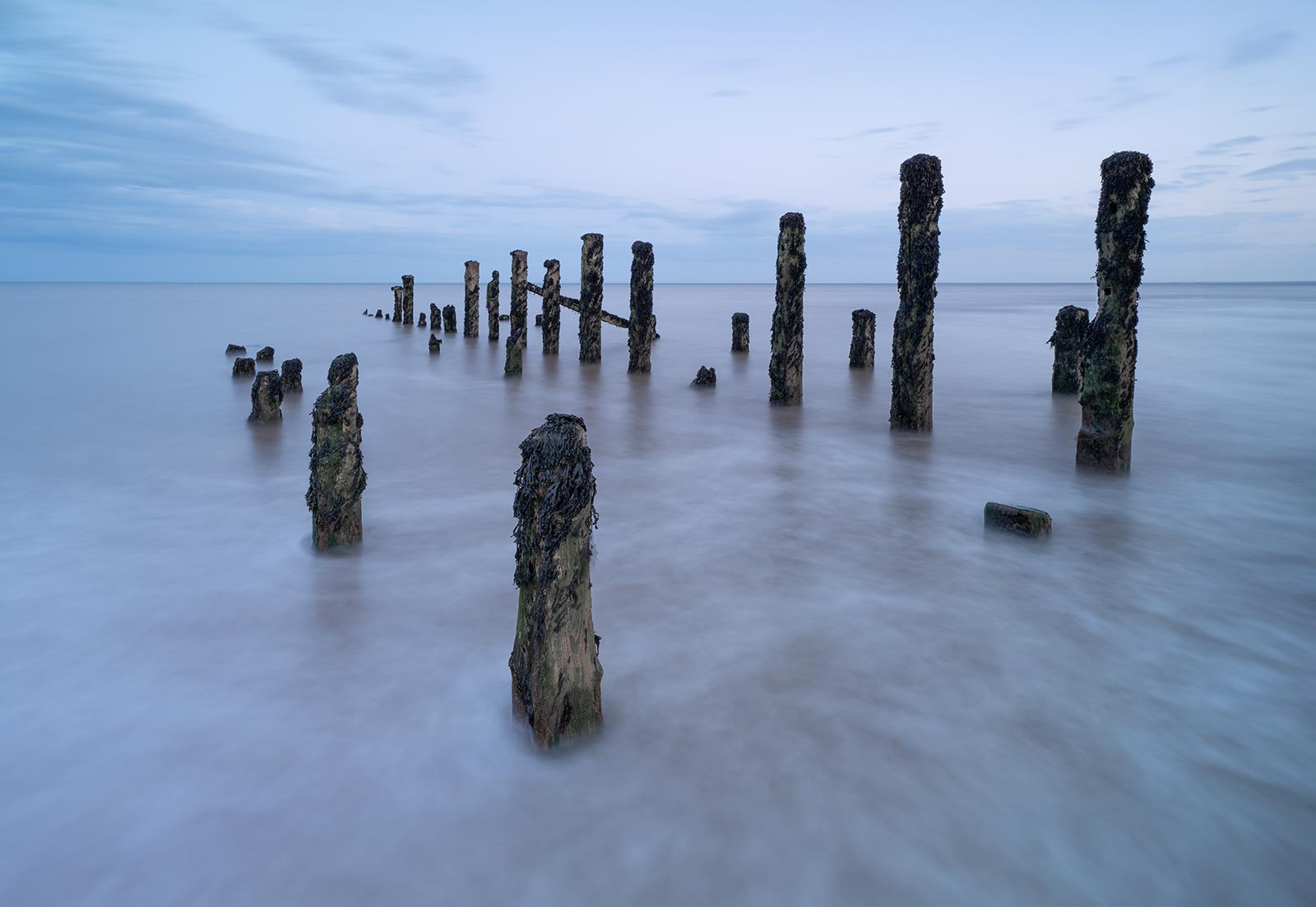
The image above is the start image used for the guide. This is the original Raw taken from Lightroom with only a little contrast, highlights and shadows adjusted. As an image, taken at twilight at Spurn Point, East Yorkshire it has the basis for a decent shot. There are some soft twilight tones and water detail around the posts that have potential. As a minimal square image it is all wrong. The shutter speed at 15 seconds was nowhere near enough, there is not enough space at the top to crop to square and there will be issues with the posts when it is cropped.
There is a lot of work to do. In choosing an image that needs quite some work I hope to show you the steps needed in case you find yourself with similar problems. In the following chapters we will crop the image, remove posts on the right, increase the space at the top, manipulate the water to look like a much longer exposure, swap the sky and add motion to it, and also remove the horizon. Each step should give you all the skills you need for the future.
1-INTRODUCTION
2-GEAR AND TIPS
Equipment you will need, software apps plus suggested plugin apps, shooting long exposure technique and other tips.
3-PHOTOSHOP WORKSPACE
A brief tour of the Photoshop workspace, explanations of the various toolbars and panels and how to set up your workspace. Skip if you are familiar with Photoshop.
4-PROCESSING
Step by step processing your images, from star to finish including adding borders to your image. This section is broken into individual sections for easier navigation.
Preparing the Image.
Creating Selections.
Luminosity Masks.
Edit the Water.
Edit the Sky.
Edit the Horizon.
Final Edits.
Adding Borders.
5-INSPIRATION
A selection of images for inspiration with brief descriptions of the editing techniques.